
Software · Field service management
TitanTasks
From request to invoice, in one place. TitanTasks brings together quotes, schedules, jobs and reports for teams that work in the field.
01 / Back office
Every job, at a glance.
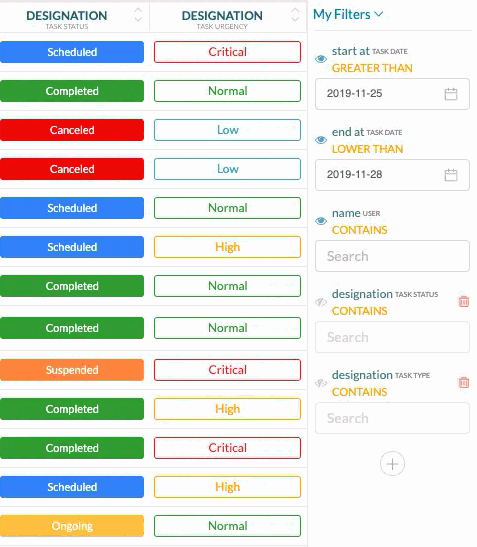
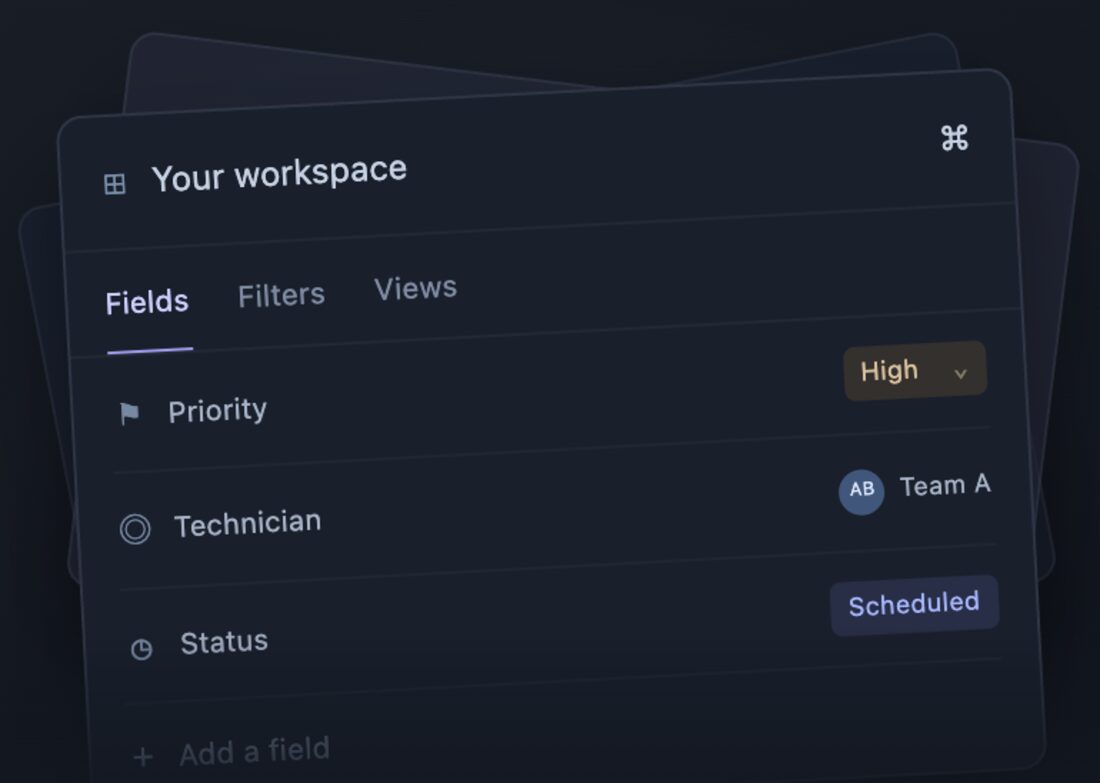
In the web back office, the office sees every job with its status and urgency. It filters by date, technician or type and saves the views it uses every day.
Product images, with demo data.
02 / What it does
From first request to invoicing.
Request and quote
Each request is linked to the customer and the equipment. The quote comes from the request, with services and materials.
Schedule and job
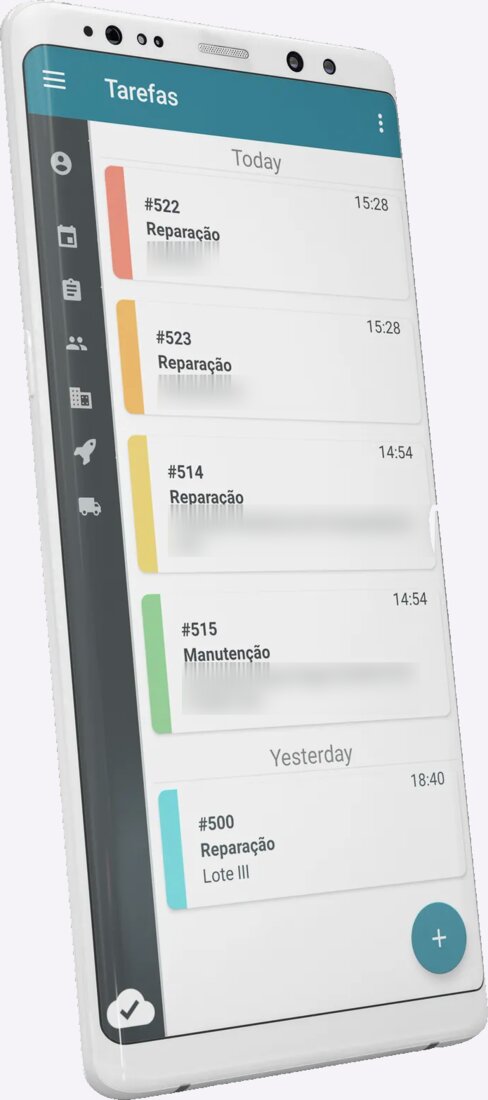
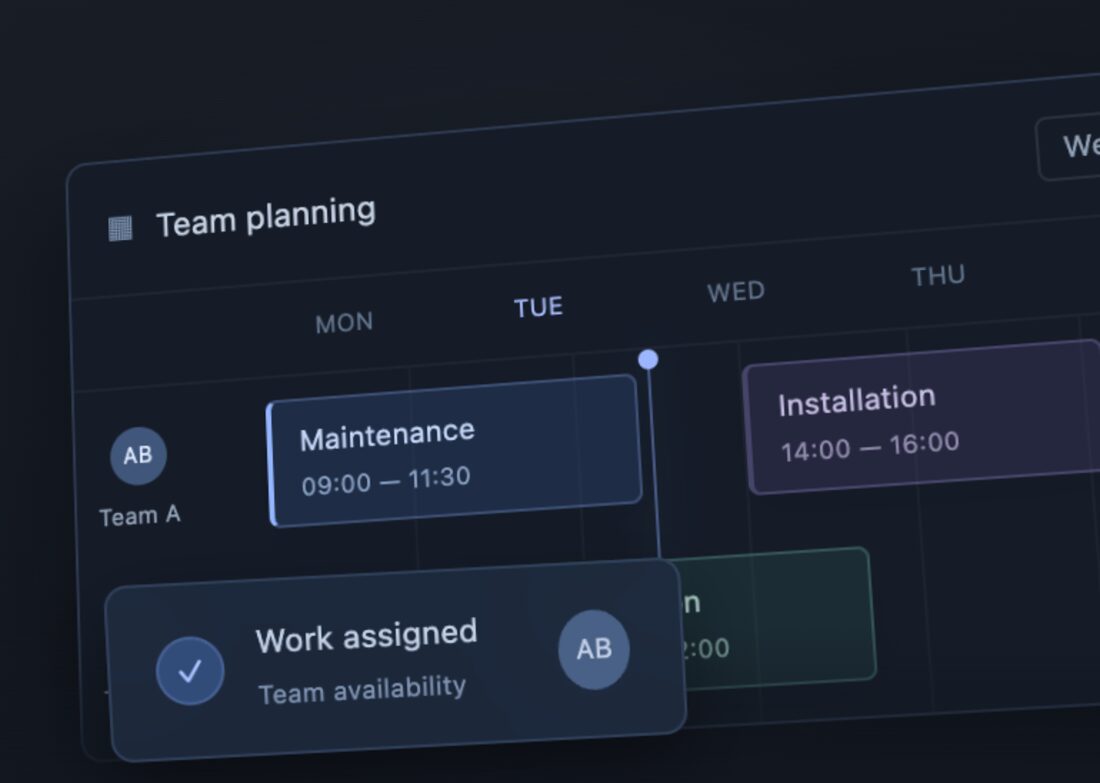
Assign work to whoever is available and rearrange the day by dragging. The technician gets the task on the phone.
Service report
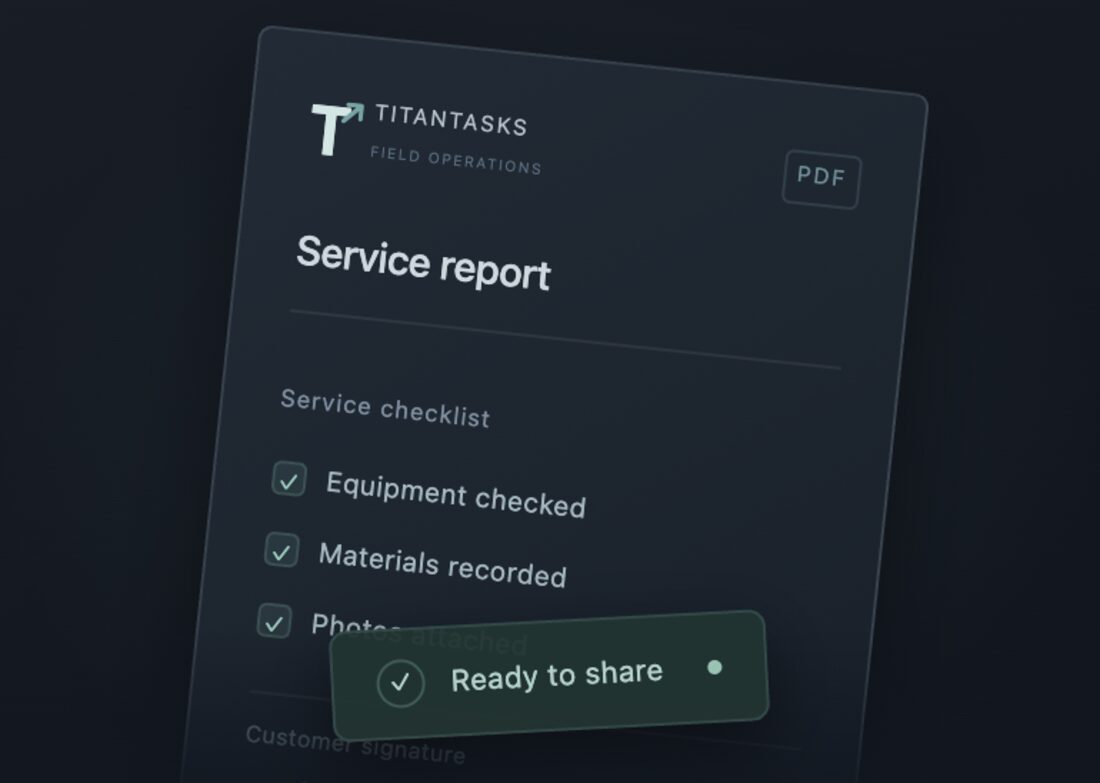
Checklist, photos, materials and the customer signature go into the report, which is sent by email.
ERP and invoicing
Finished work moves to the ERP and to invoicing (InvoiceXpress), with no re-typing of data.
03 / Android app
The field does not always have signal.
The app keeps the work on the phone and keeps running with no connection. When the network is back, it syncs everything with the back office, the ERP and invoicing.
- Technical or inspection report filled in on site
- Photos taken in the app itself
- Materials picked from an item list
- Customer signature on screen
04 / In detail
Plan, adjust and report.
Coordinate your teams in the field.
Tell us how you handle requests, visits and invoicing today. We show how TitanTasks connects to what you already use.